Slim photos
Collage style sizes + slim crops
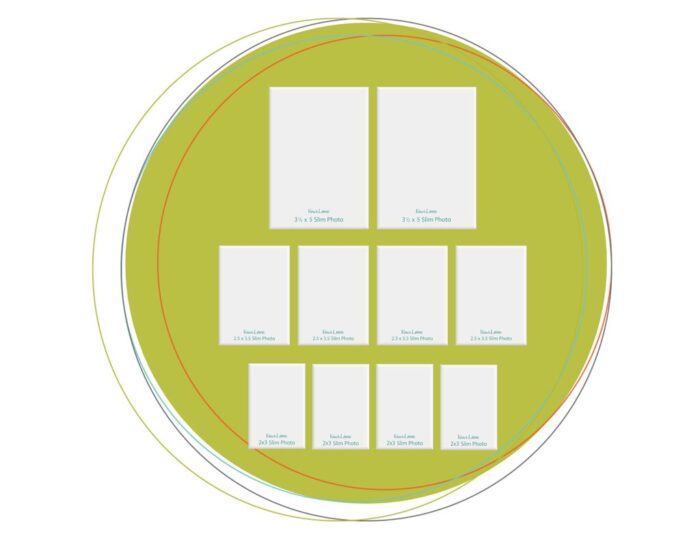
Plan collage-style photo sizes, slim crops, and smaller supporting photos before you print or trim.


WHY WE CREATED THESE NEW SETS
You already make all kinds of photo choices when you scrapbook. Those choices are part of real scrapbooking. But until now, not all of them have been as easy to bring into the Play-to-Create® process.
They give you more hands-on ways to plan the photo sizes, groupings, and visual areas you already want to use on your pages.
You can still design the way you know: place the pieces, move things around, test the balance, and see the layout before you commit. Now you simply have more photo-planning options to bring into that process.
Meet the new sets
Before we look at each set more closely, here’s a quick overview. Each set gives you another way to see your photo options before you commit.
Slim photos
Collage style sizes + slim crops
Plan collage-style photo sizes, slim crops, and smaller supporting photos before you print or trim.
4x6 photo blocks
Collage style sizes + slim crops
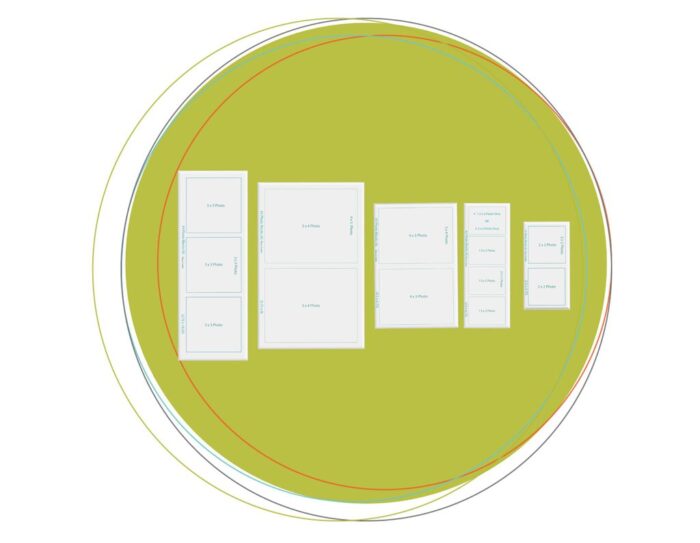
Plan grouped photo arrangements, photo strips, and common photo combinations with less effort.
5x7 photo blocks
Larger groupings + photo blocks + color-block style areas
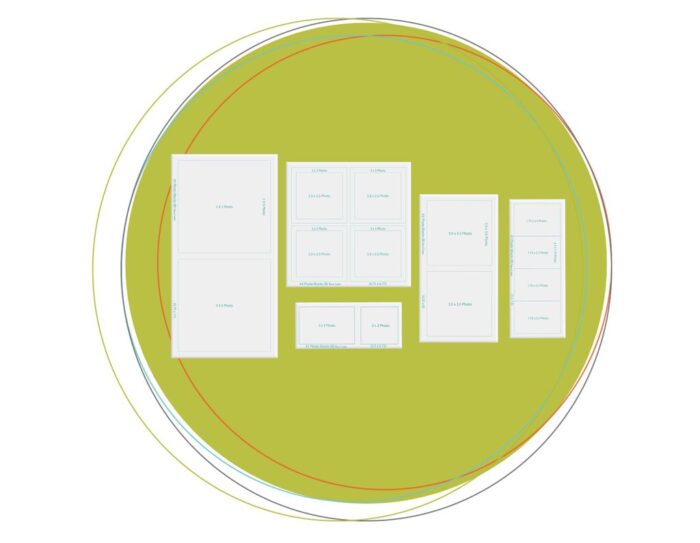
Plan larger photo groupings, stronger focal areas, and flexible page-building spaces.
Plan bigger photo moments and flexible page-building areas.
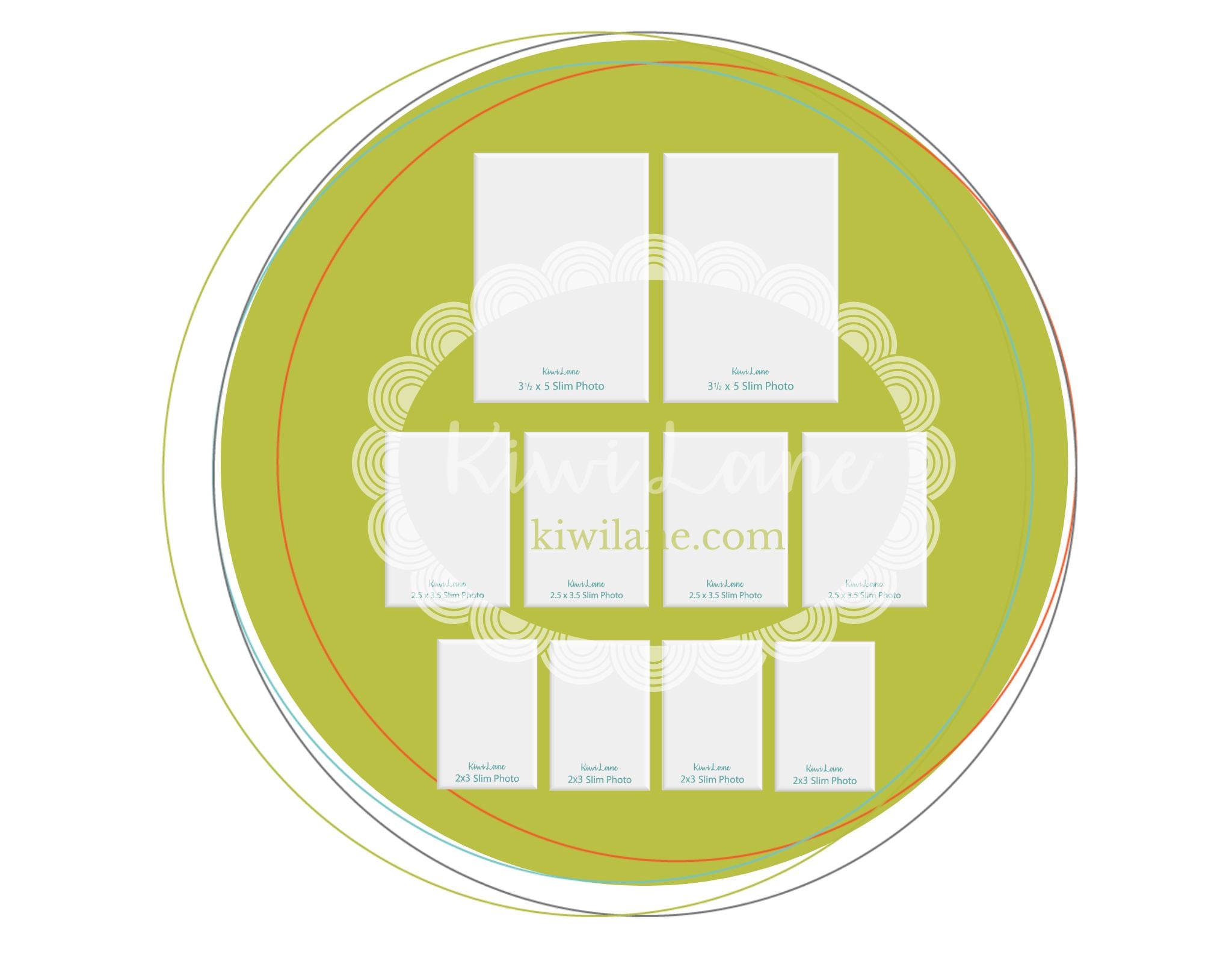
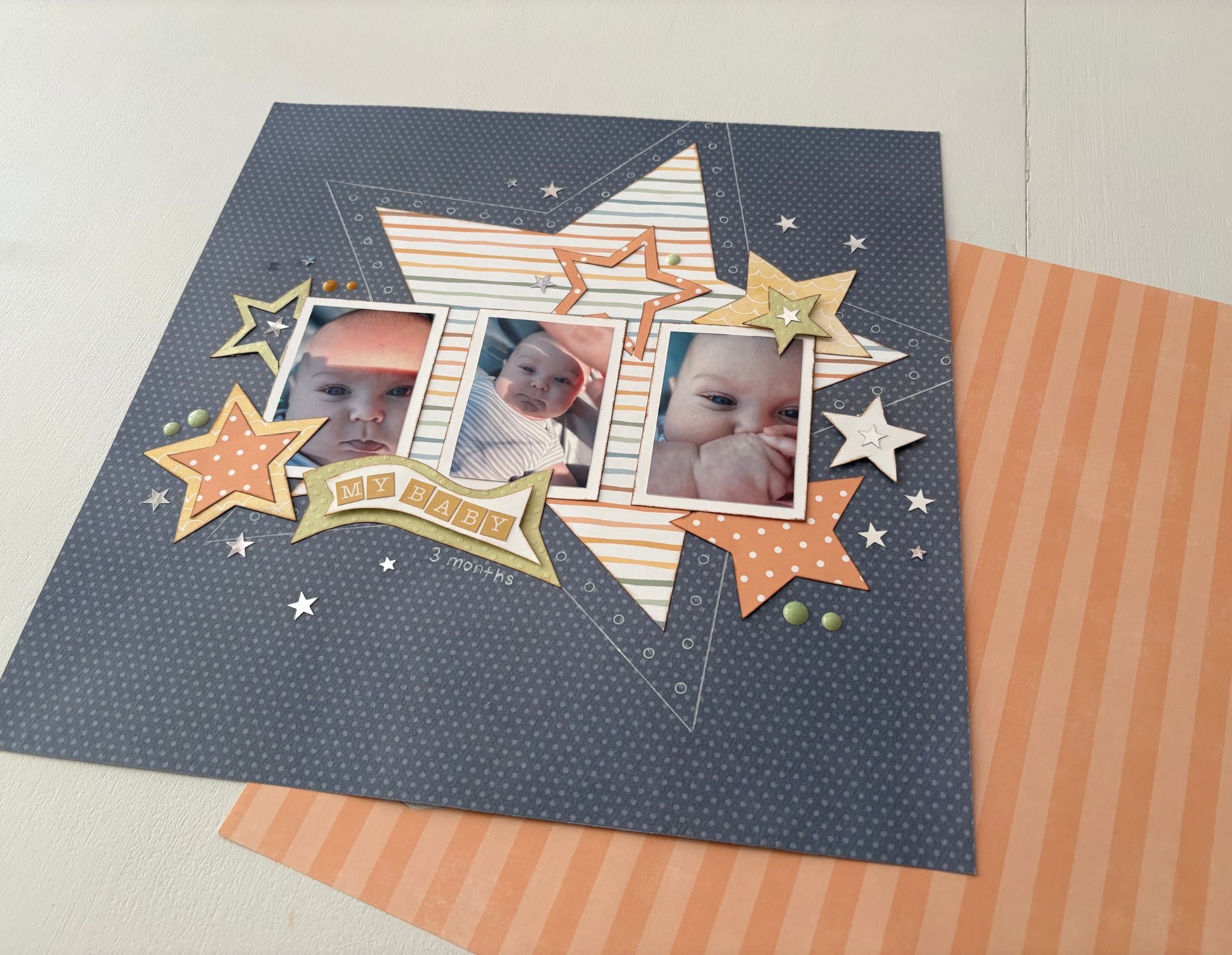
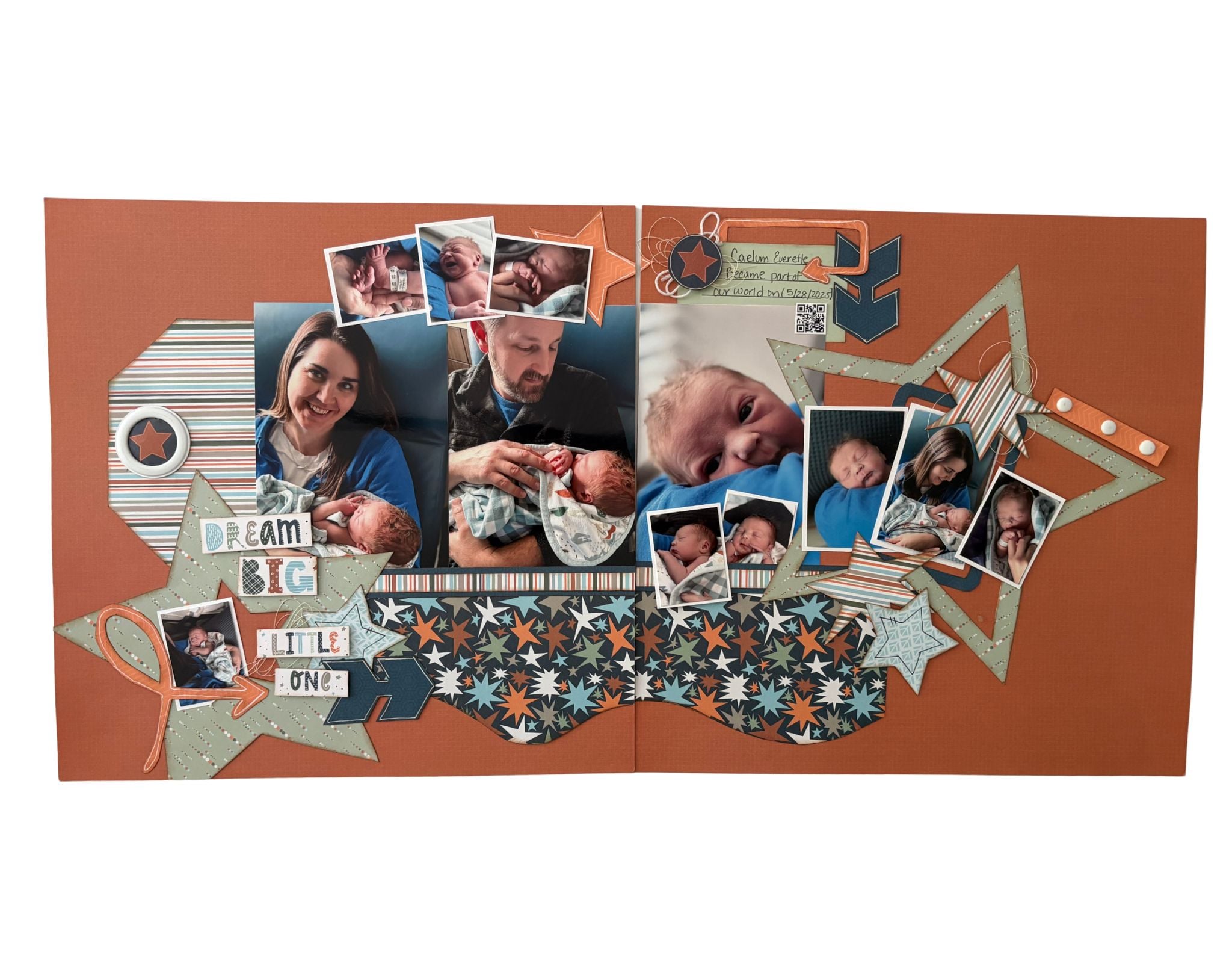
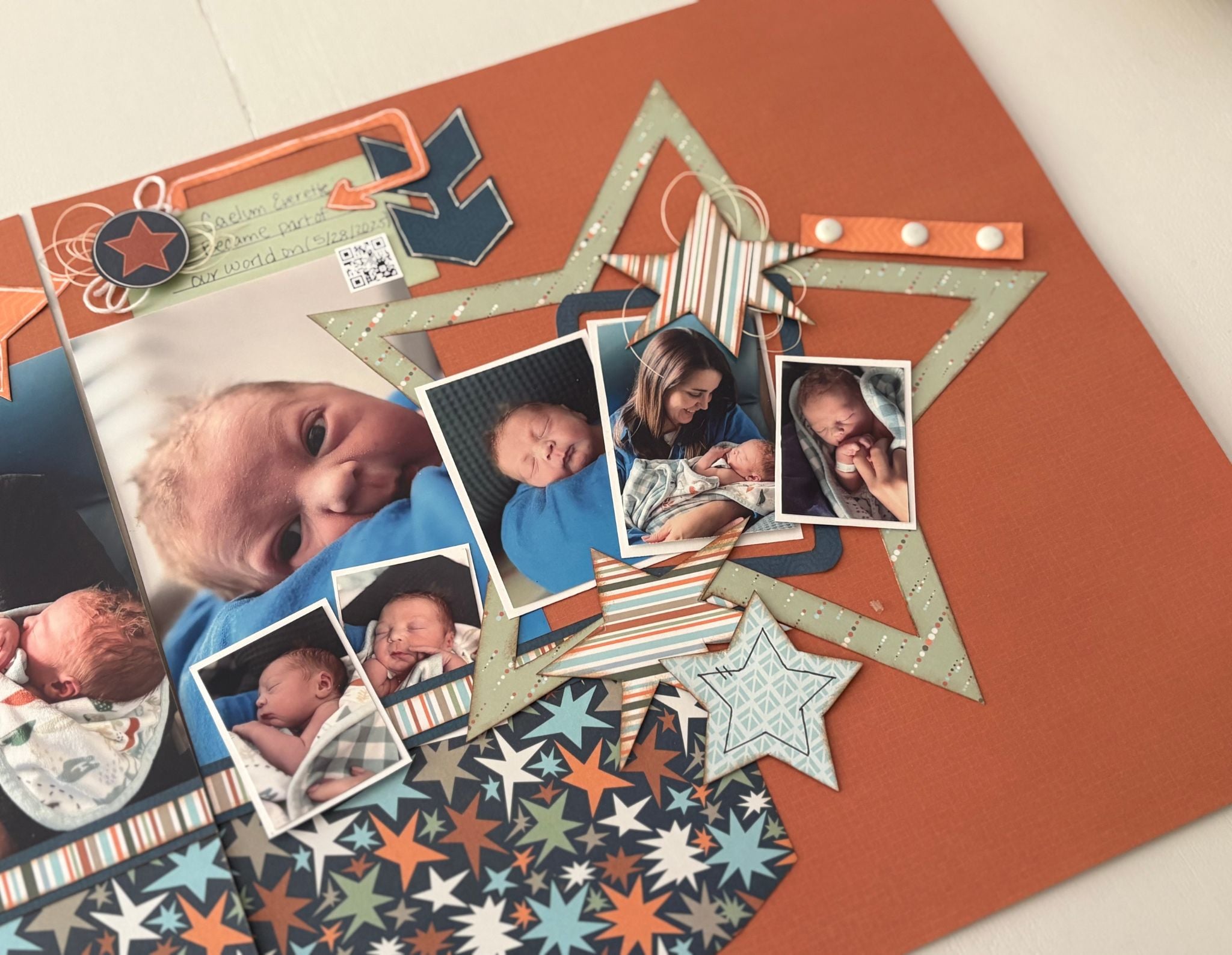
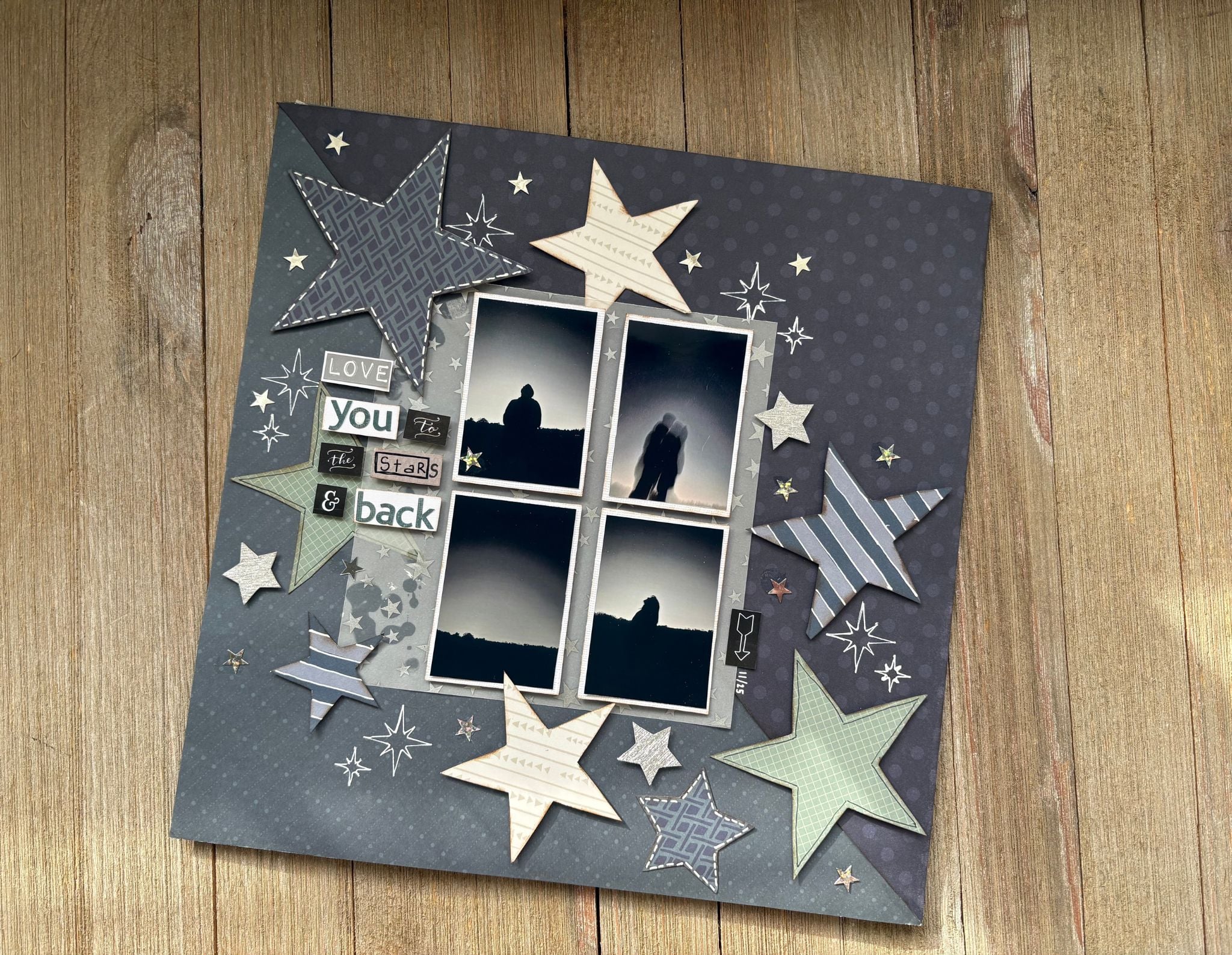
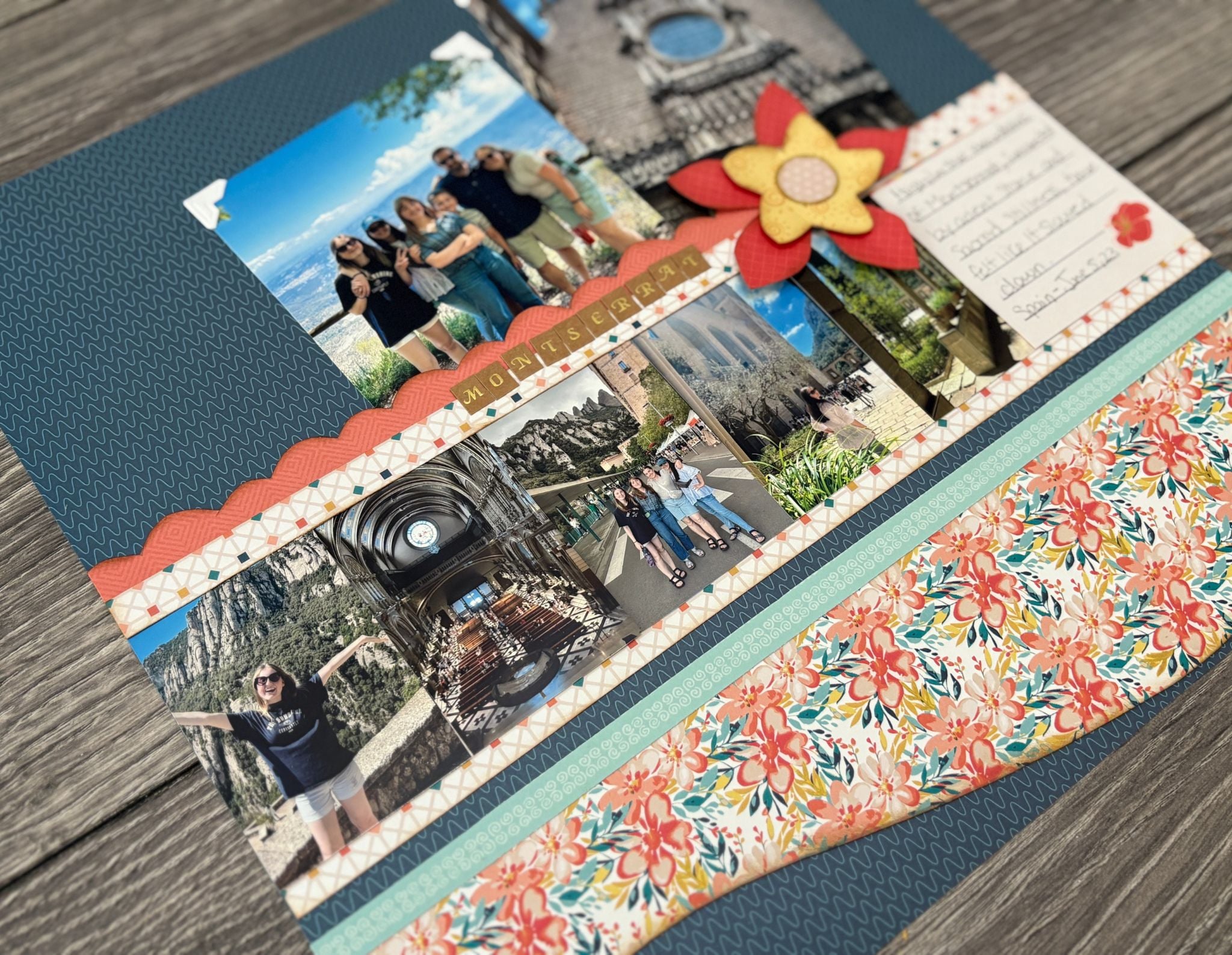
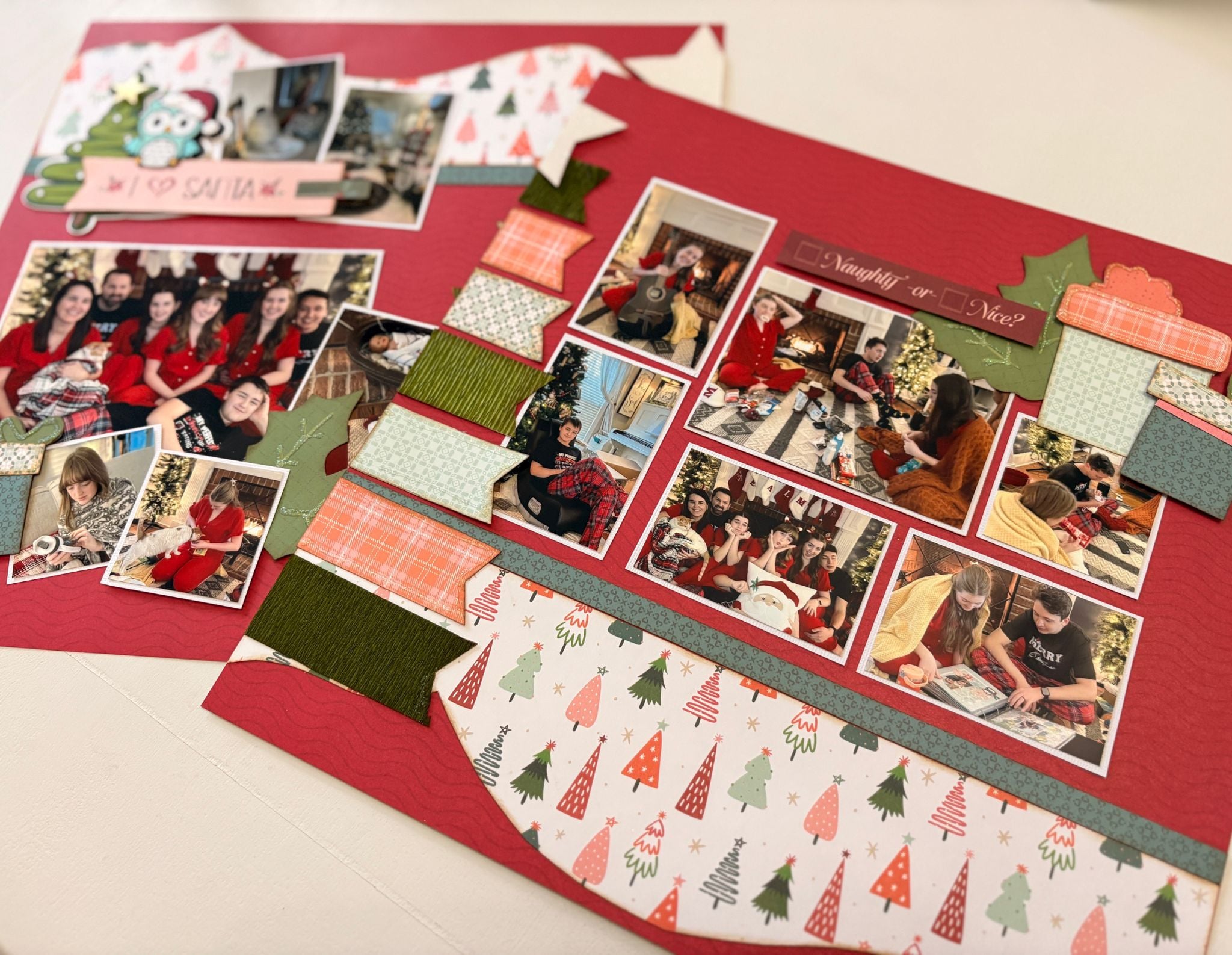
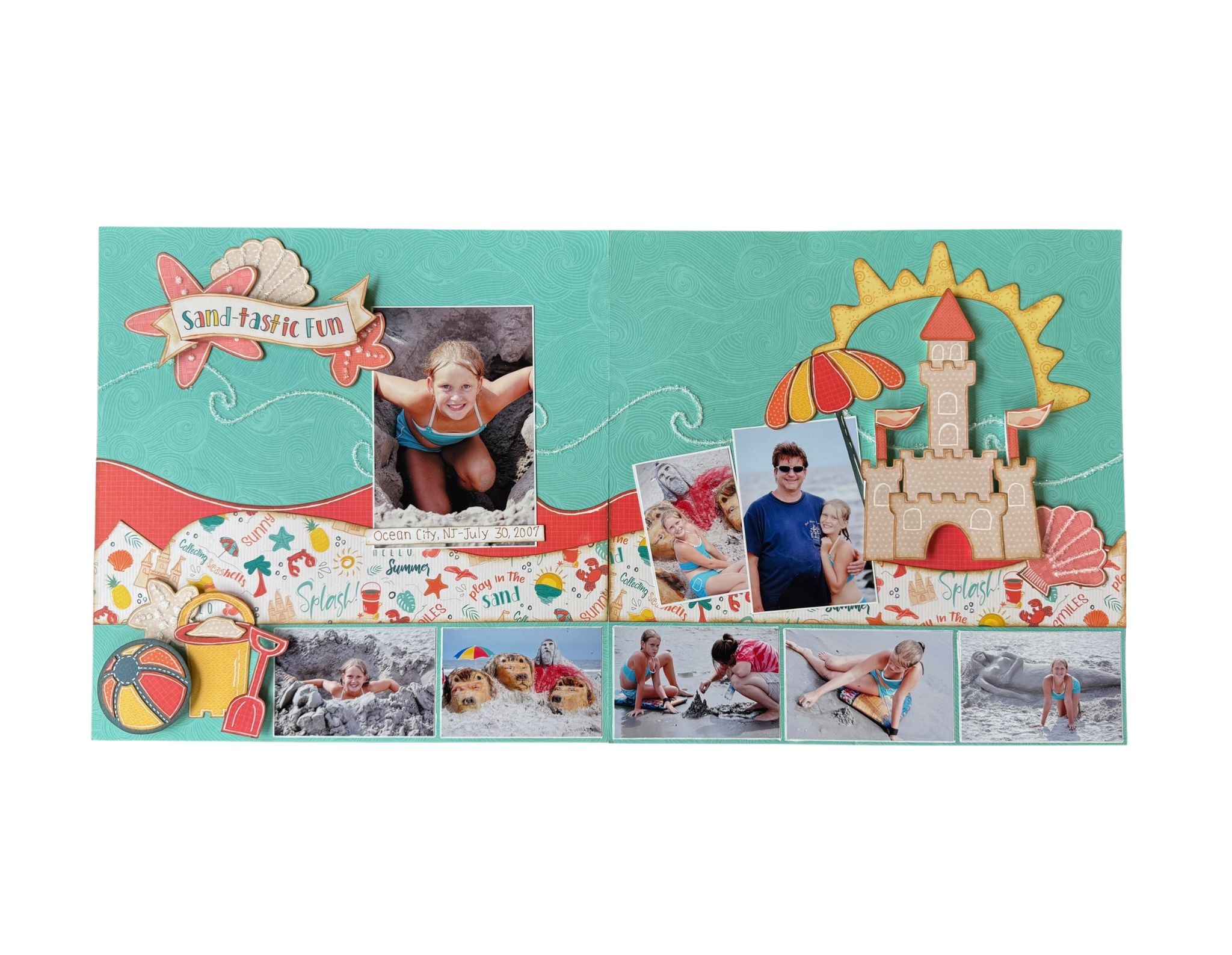
Plan collage-style photo sizes and slim crops before you print or trim.
$ 12.95
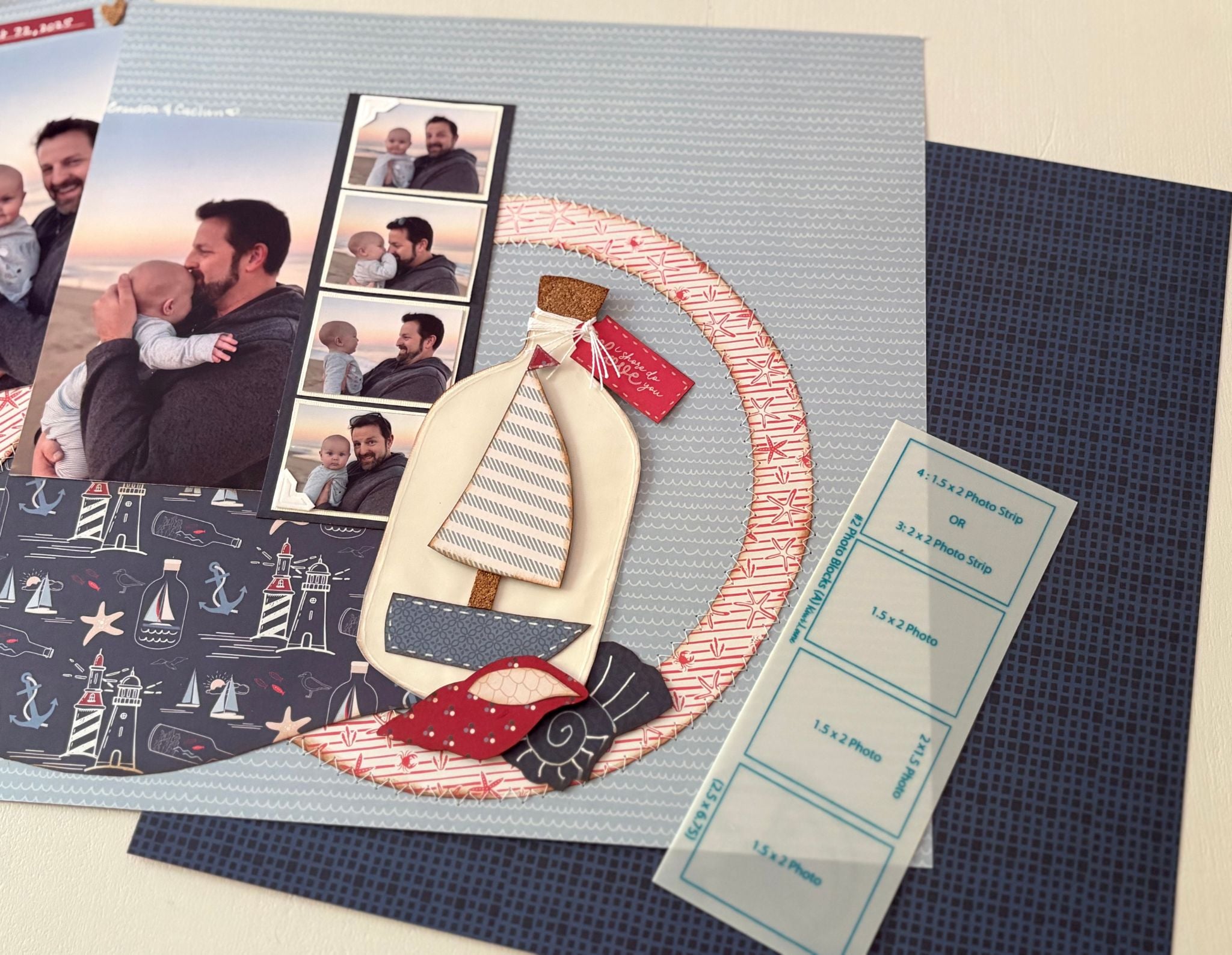
Slim Photos were created to help you plan the collage-style photo sizes many scrapbookers already print, crop, or try to include on their pages.
These slimmer photo spaces often come from photo apps, collage-style printing, or arranging multiple photos together on standard 4×6 or 5×7 prints. Instead of guessing whether those sizes will work once they’re printed, Slim Photos give you a hands-on way to test the placement, balance, and flow of your photos before you trim or commit.
Because the templates are see-through, you can also place them over printed photos to test different crops before cutting them down. Sometimes cropping in closer brings the story into focus in a way you may not see until you’re designing.
Plan bigger photo moments and flexible page-building areas.
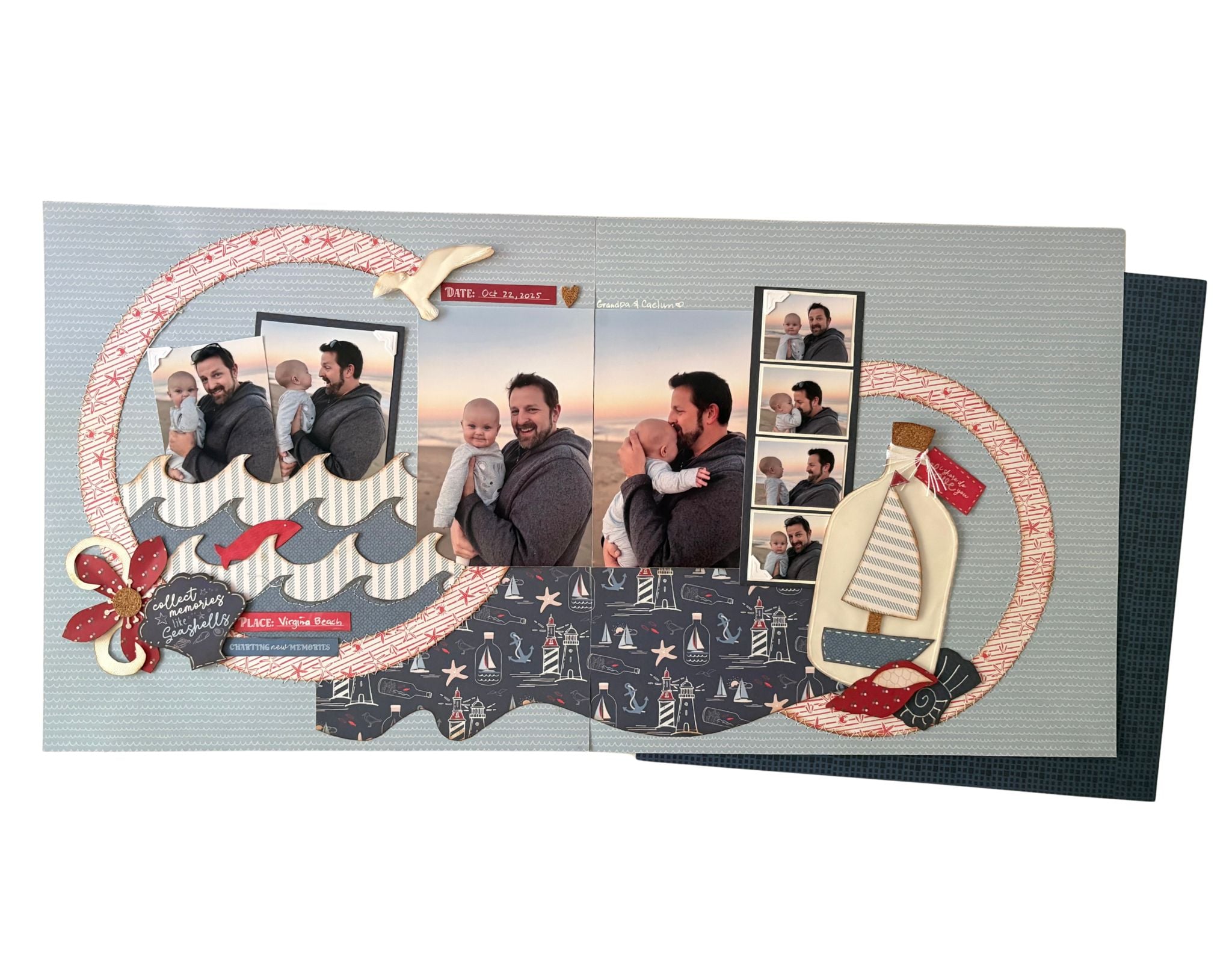
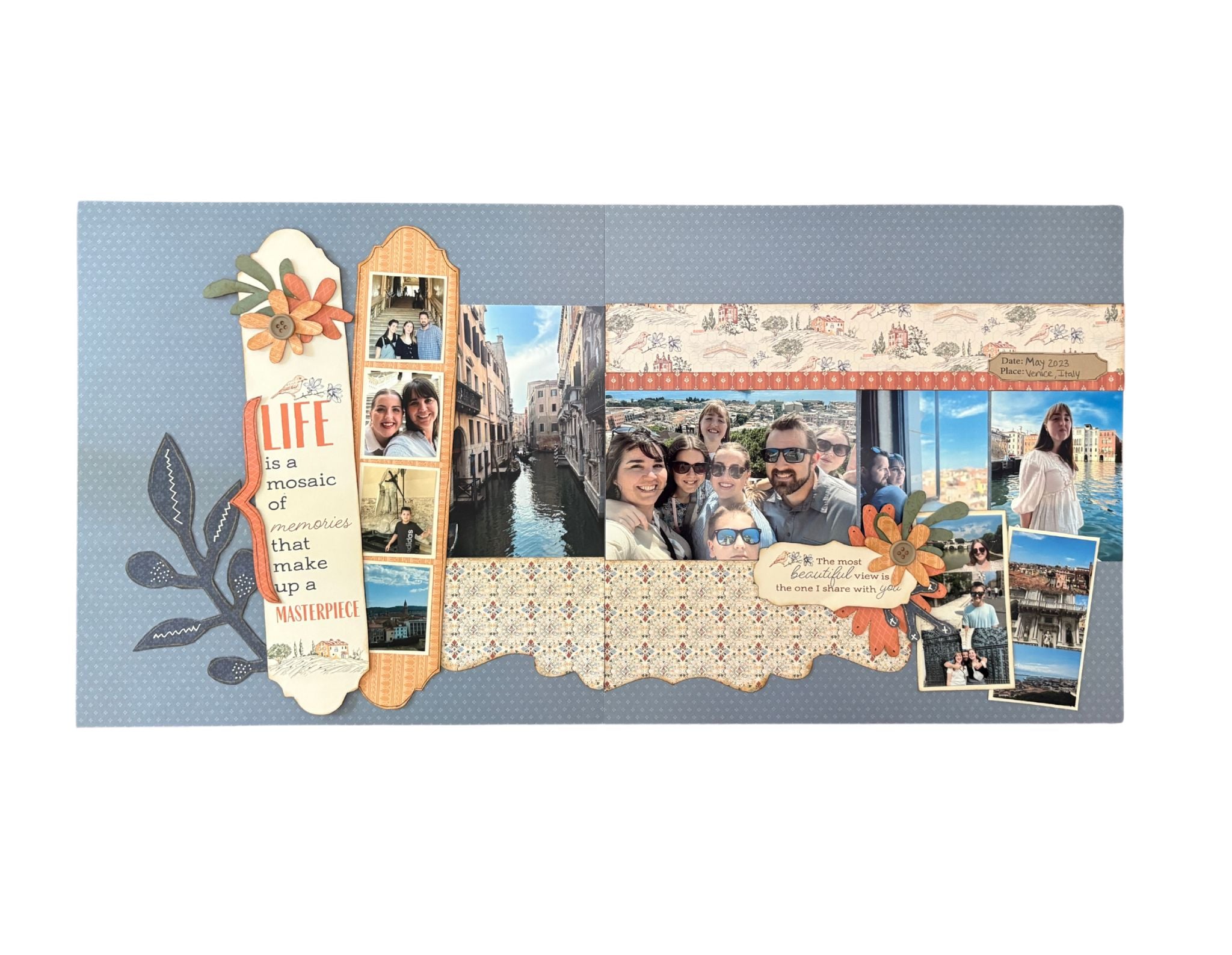
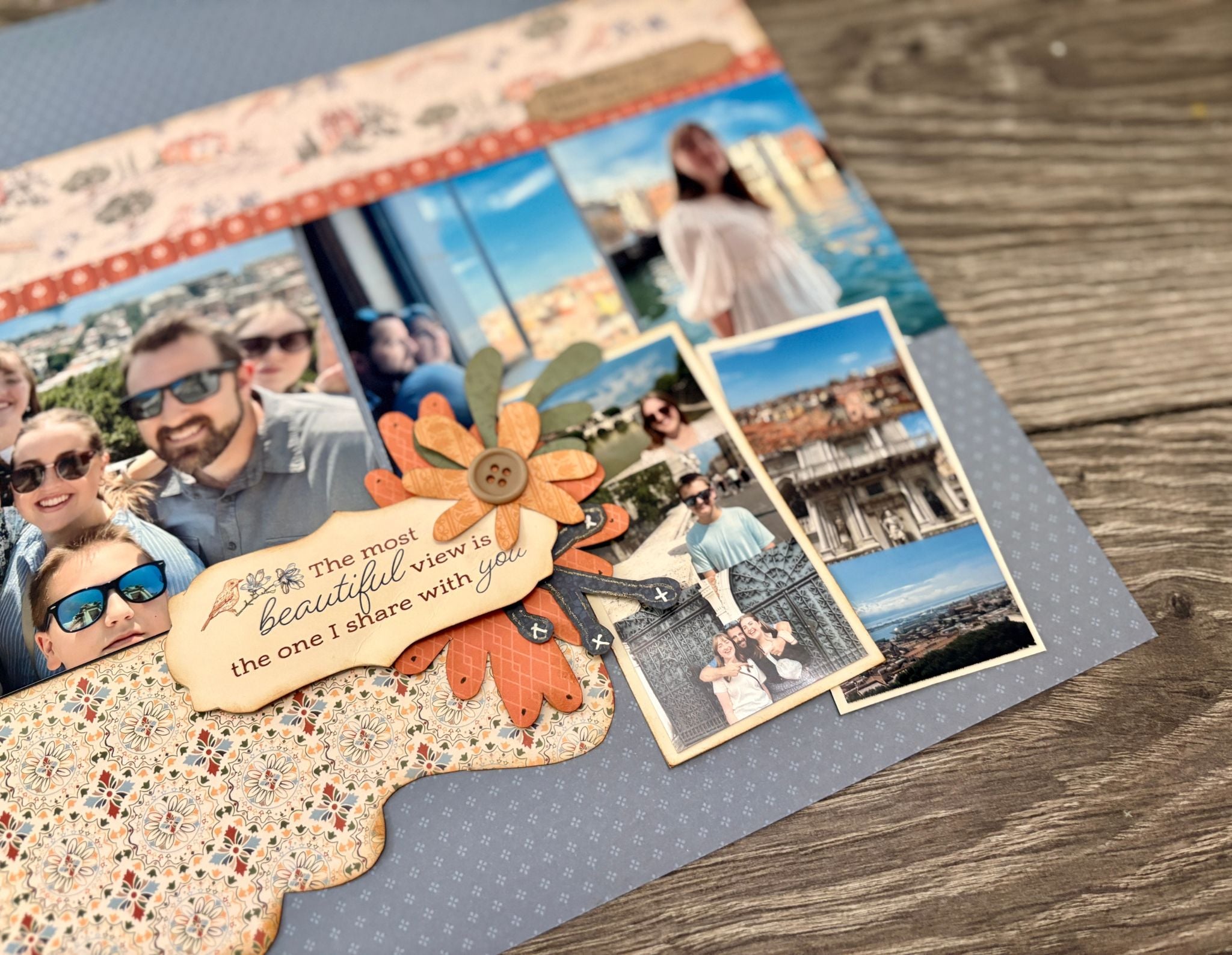
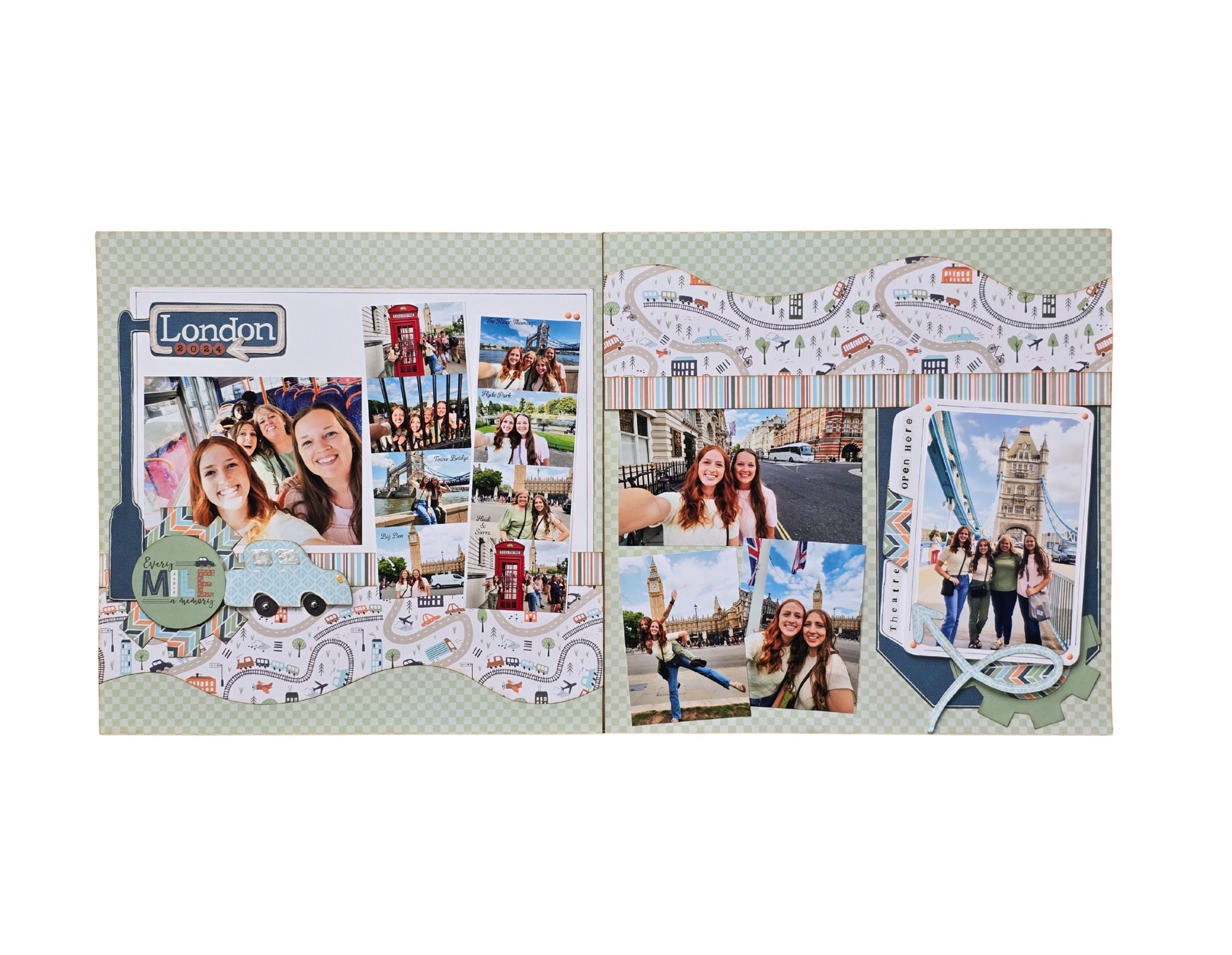
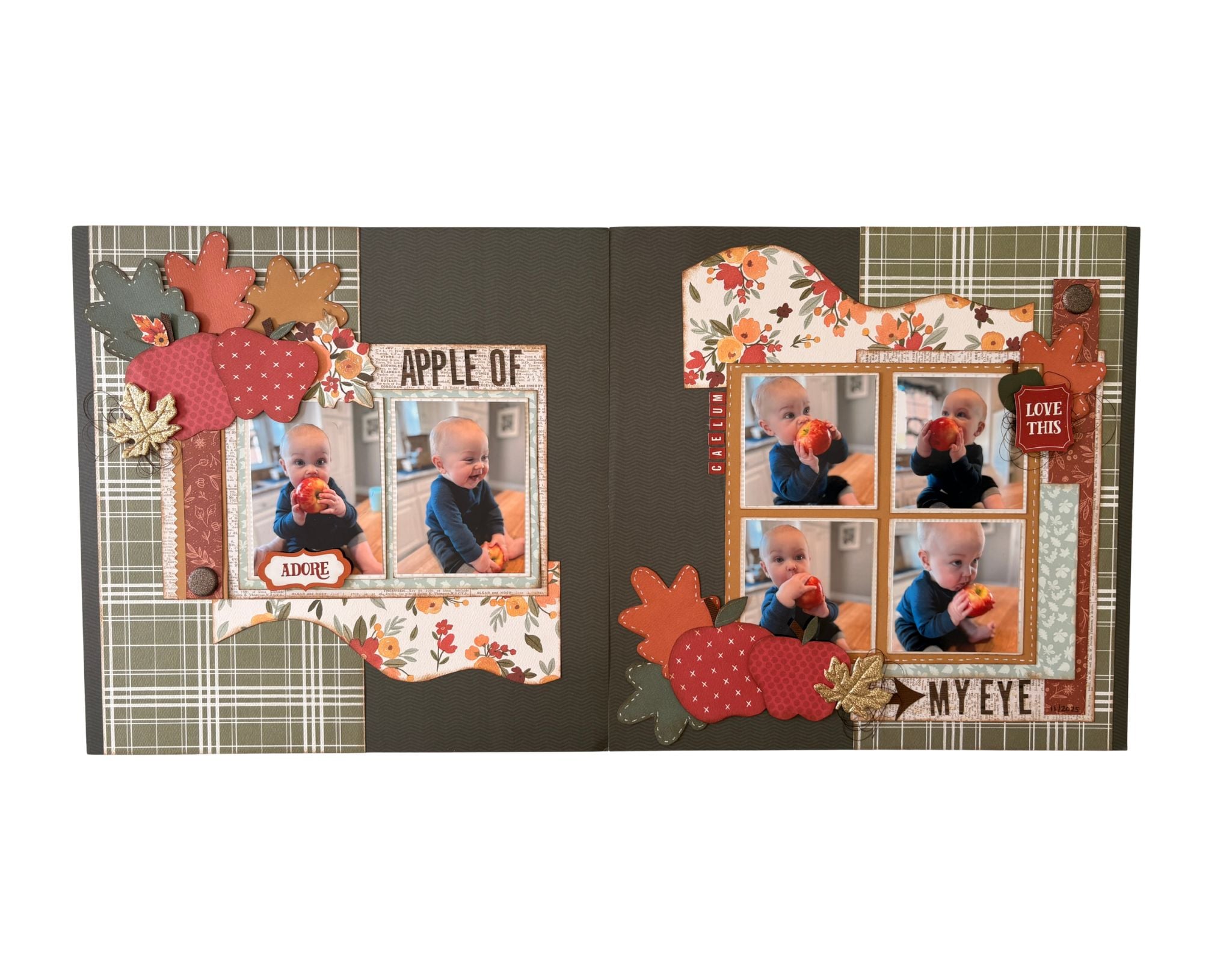
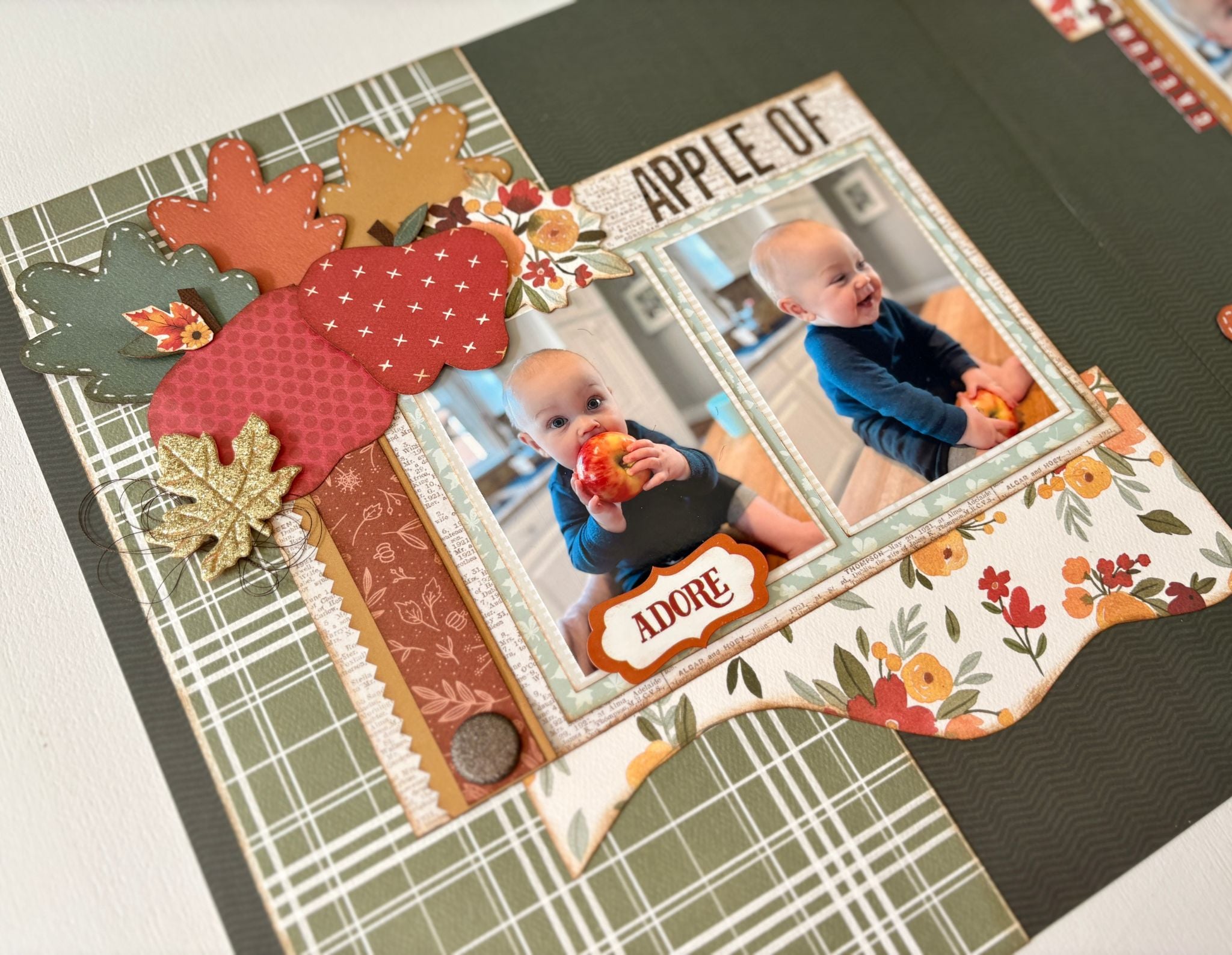
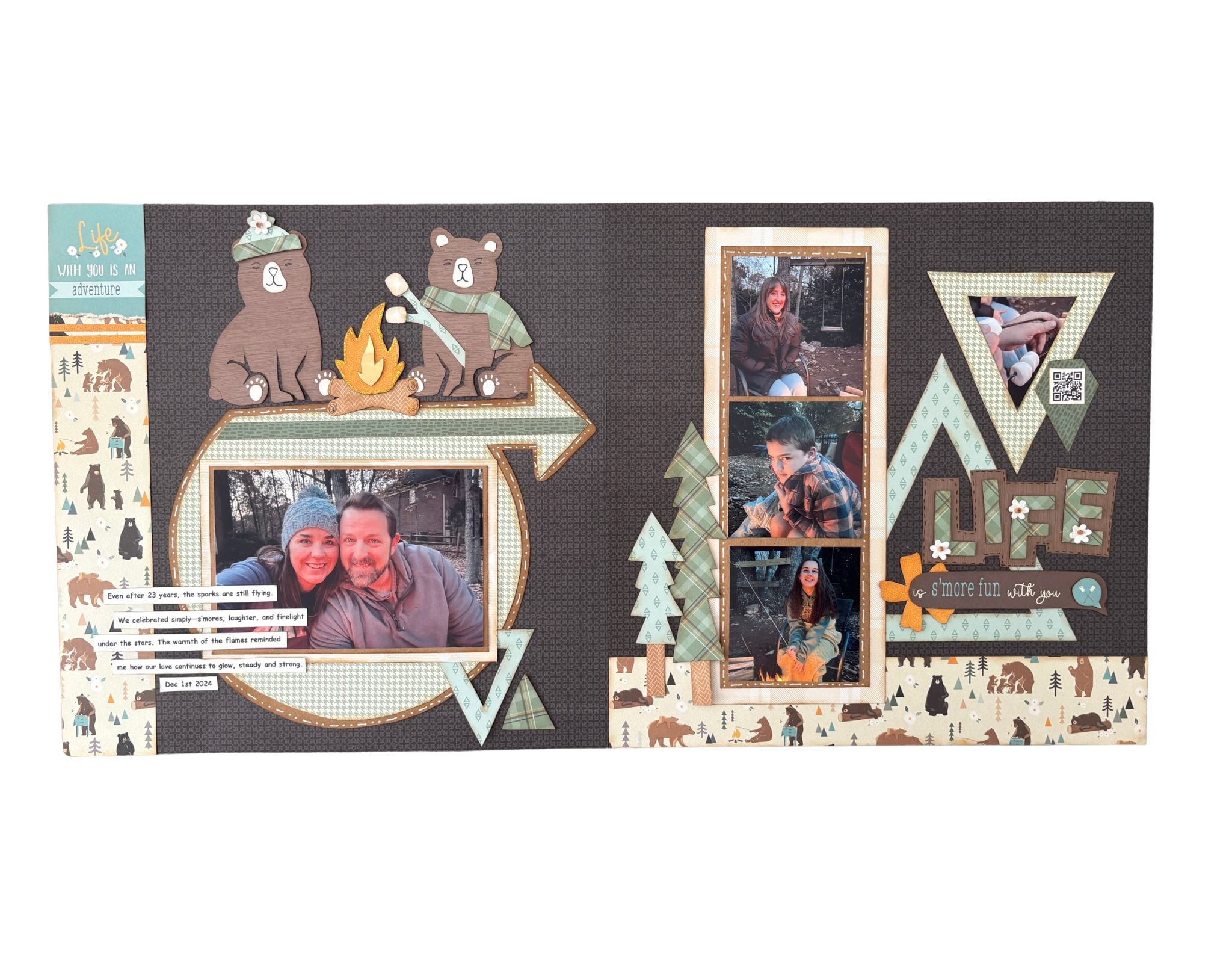
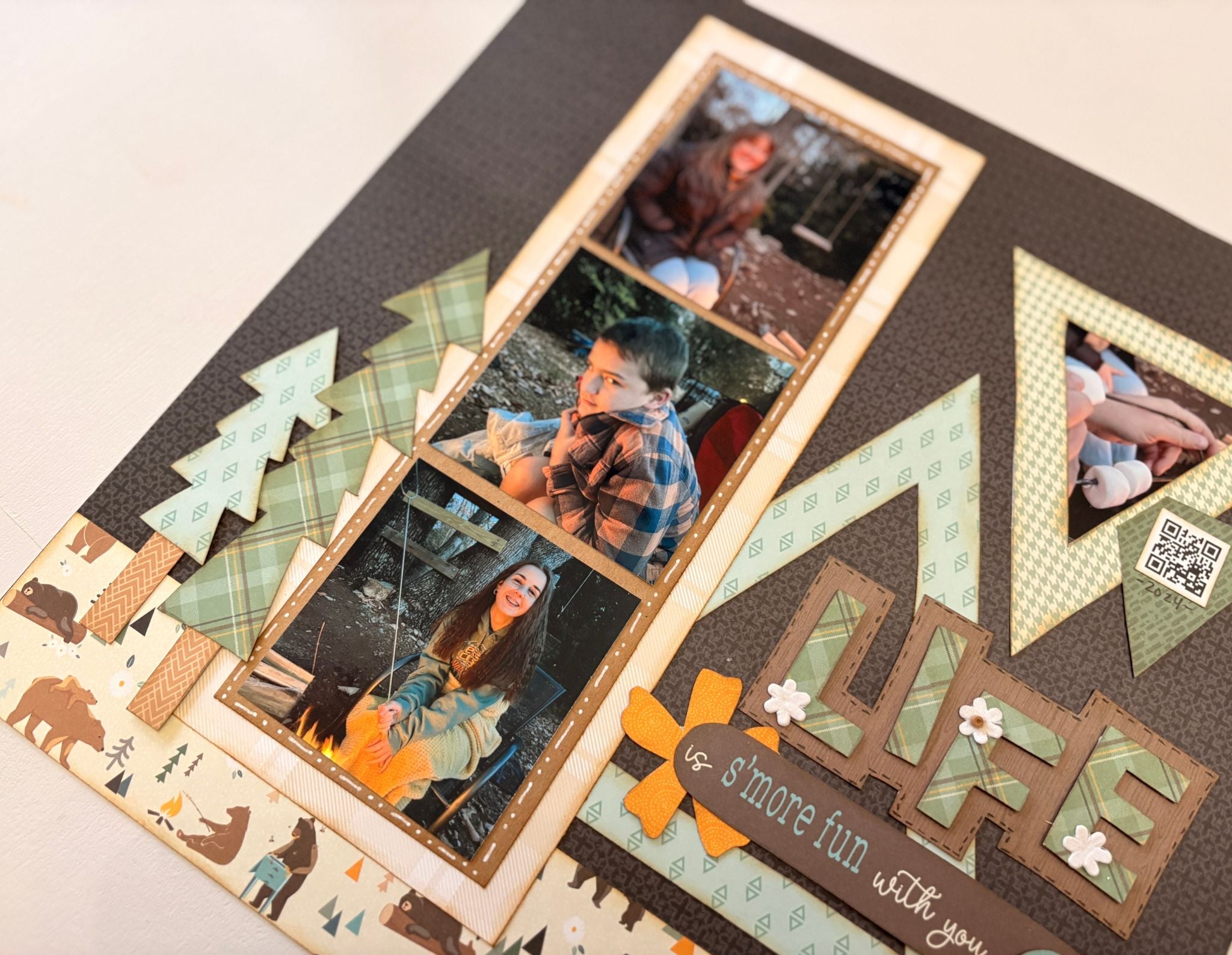
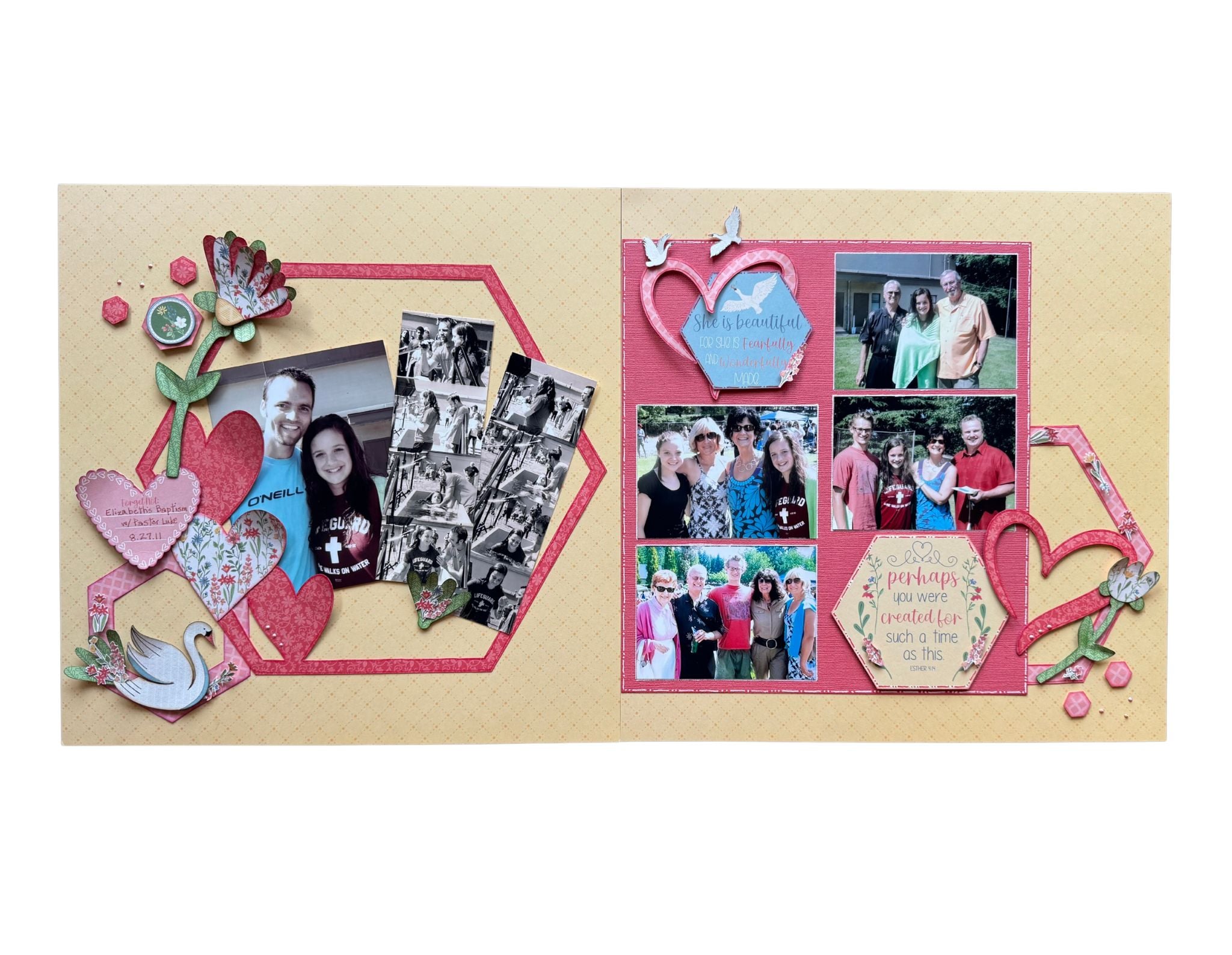
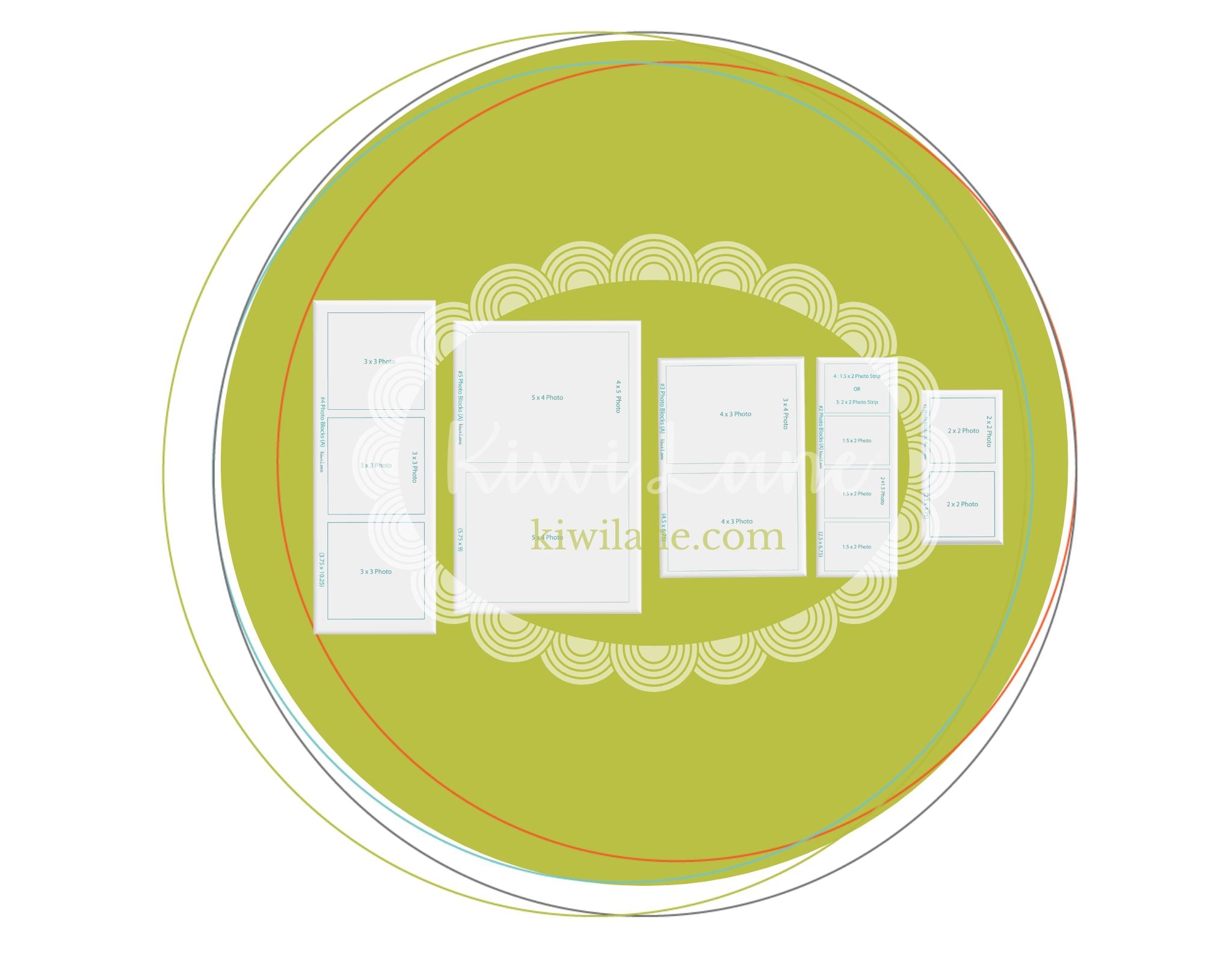
Plan grouped photo arrangements with less effort.
$ 19.95
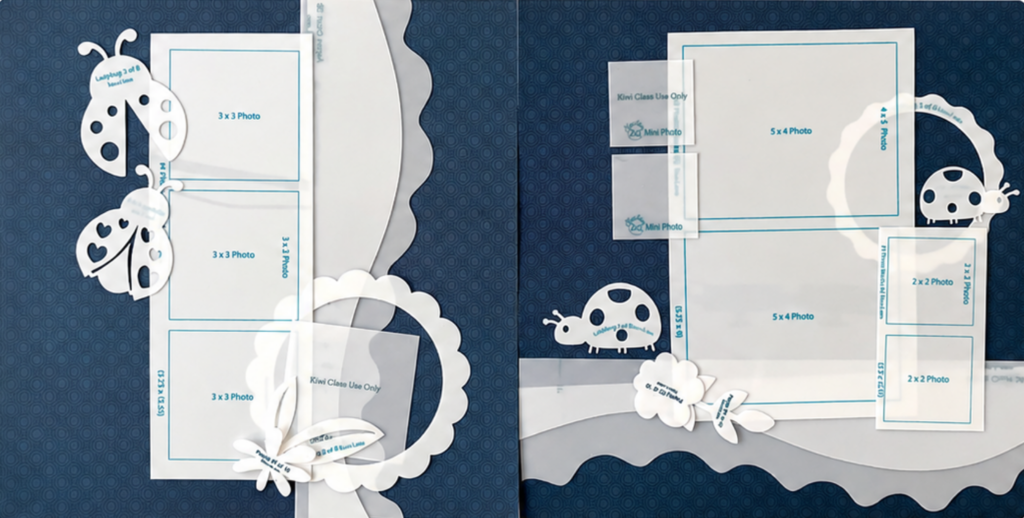
4×6 Photo Blocks make it easier to plan common 4×6-based photo groupings, croppings, and photo-printer collage options before you print, trim, or commit.
Because multiple photo spaces are grouped together on one template, you can move the whole arrangement around your page, test spacing and balance, and see how several photos work together without juggling loose pieces one at a time.
This set is especially helpful when you want multiple photos to feel connected on the page, whether you are planning a grouped arrangement, working with common collage-style printer options, or building a layout around several photos that belong together.
The set also includes a 1.5 × 2 photo strip inspired by common photo booth-style collages and real-life printer settings, giving you another flexible option for smaller supporting photos.
Plan bigger photo moments and flexible page-building areas.
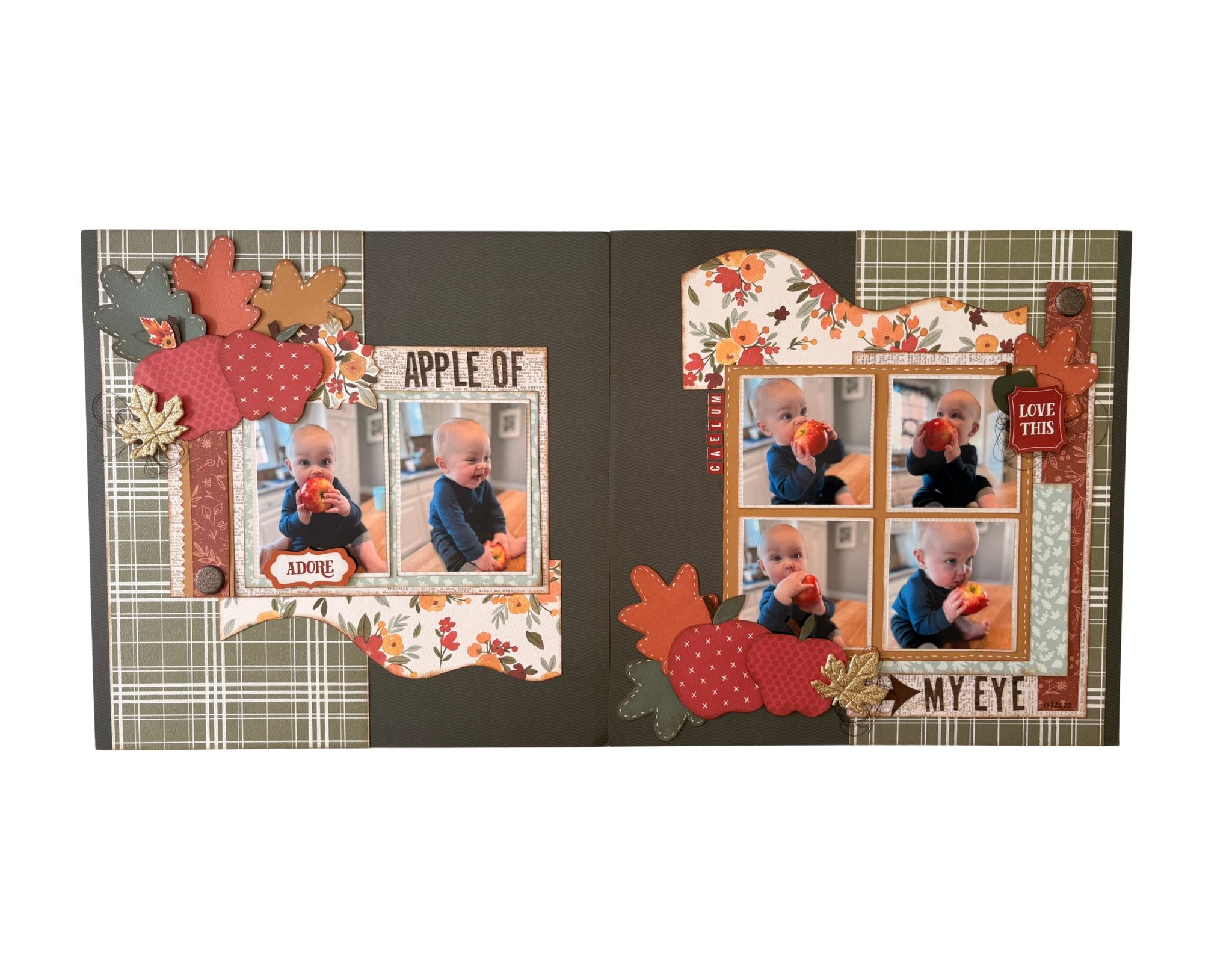
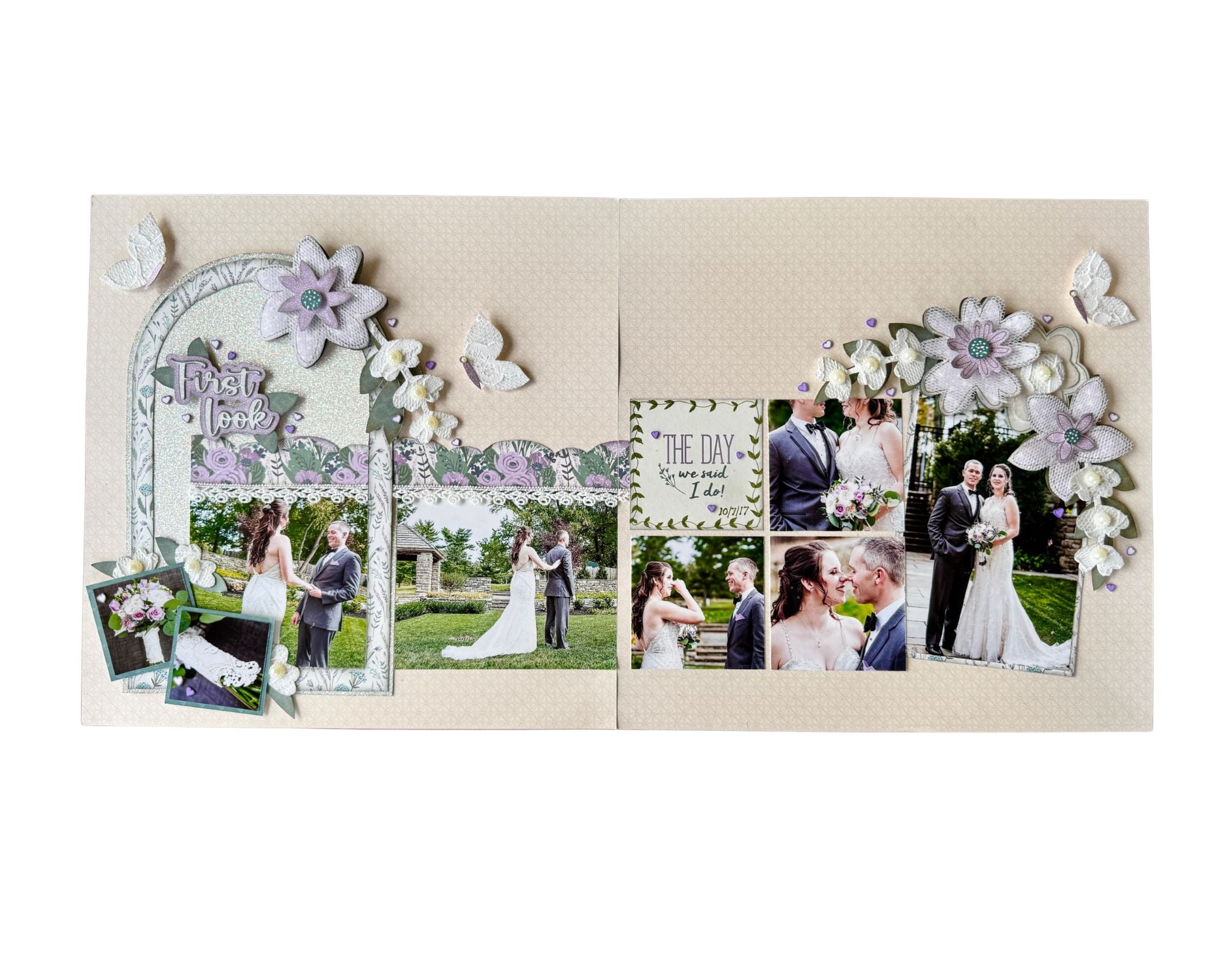
Plan bigger photo moments and flexible page-building areas.
$ 19.95
5×7 Photo Blocks help you plan larger photo groupings, stronger focal areas, photo blocks, and color-block-style sections before you print, trim, or commit.
And they are not just for people who print traditional 5×7 photos.
Because multiple photo spaces are grouped together on one template, you can move the whole arrangement around your page, test scale and balance, and see how larger and smaller supporting photos work together.
Use them to plan bigger photo moments, create stronger visual areas, build larger photo blocks, test color-block-style sections, or mix larger and smaller supporting photos into the same layout.
The set also includes a 2.5 × 2.5 square collage option for photo blocking and matting, along with a 1.75 × 2.5 photo strip sized to match real printer settings.
BETTER TOGETHER
Each Photo Placement Set was created to expand your photo planning experience.
Whether you start with one set or add all three to your creative toolkit, these new Photo Placement sets give you more hands-on ways to plan the photos you love before you print, trim, or commit.
Slim Photos help with collage-style sizes, slim crops, and supporting photos.
4x6 Photo Blocks help with grouped arrangements, photo strips, and multi-photo planning.
5x7 Photo Blocks help with larger groupings, stronger focal areas, and flexible page-building spaces.
Choose the set that fits the page you’re working on now, or keep all three ready for the moments when you want more options for planning the layout design.
QUESTIONS?
We’ve gathered answers to the questions asked most often about the new Photo Placement Sets, so you can create with confidence.
They work in the same hands-on way, but they give you different photo-planning options.
These new sets help you plan slimmer photo sizes, grouped arrangements, photo strips, larger photo blocks, and other photo choices that may not be as easy to plan with standard photo sizes alone.
These sets are designed to expand what you do with your standard photo sets.
Your standard photo sets are still helpful for the photo sizes you already use often. These new sets give you more options when your page needs collage-style sizes, slim crops, grouped arrangements, larger photo blocks, photo strips, or flexible page-building spaces.
Yes. Because the templates are see-through, you can place them over printed photos to preview a tighter crop before trimming. This can help you see whether cropping in closer brings the focus of the photo forward.
No. You can use them for larger photo groupings, bigger photo moments, photo blocks, color-block-style areas, supporting photo spaces, and flexible layout building.
Photo Blocks are best for planning grouped photo arrangements, testing spacing and balance, and moving several photo spaces together as one visual unit.
Yes. These sets are designed to work inside the same Play-to-Create® process and can be mixed with the Designer Templates and photo sets you already use.